Sticky Header
- v4.2.1
- 83
- 182,734
A Filament Panels plugin to make headers sticky when scrolling.
-
filament
-
filament-plugin

Package health
Automated checks of this package
Compatibility
| Version | Filament | PHP | Laravel | Latest | Docs |
|---|---|---|---|---|---|
| 4.x (Current) | ^4.0|^5.0 | ^8.2 | ^11.28|^12.0|^13.0 * | v4.2.1 | 4.x docs |
| 3.x | ^4.0 | ^8.2 | ^11.28|^12.0|^13.0 * | v3.1.0 | — |
| 2.x | ^3.0 | ^8.1 | ^10.45|^11.0|^12.0|^13.0 * | v2.0.8 | — |
| 1.x | ^2.0 | ^8.0.2 | ^8.6|^9.0|^10.0 * | v1.3.3 | — |
* Taken from the Filament versions this release supports, using the newest release of each.
Sticky Header pins a Filament page's header to the top of the viewport once you scroll past it, so the page title, breadcrumbs, and header actions stay reachable on long pages.
It applies to every page in the panel — resource pages, custom pages, dashboards — with no per-page setup.
How it behaves
The header starts in its normal position. Once the page is scrolled far enough that the header would leave the viewport, it sticks, positioned just below the panel's topbar so the two never overlap.
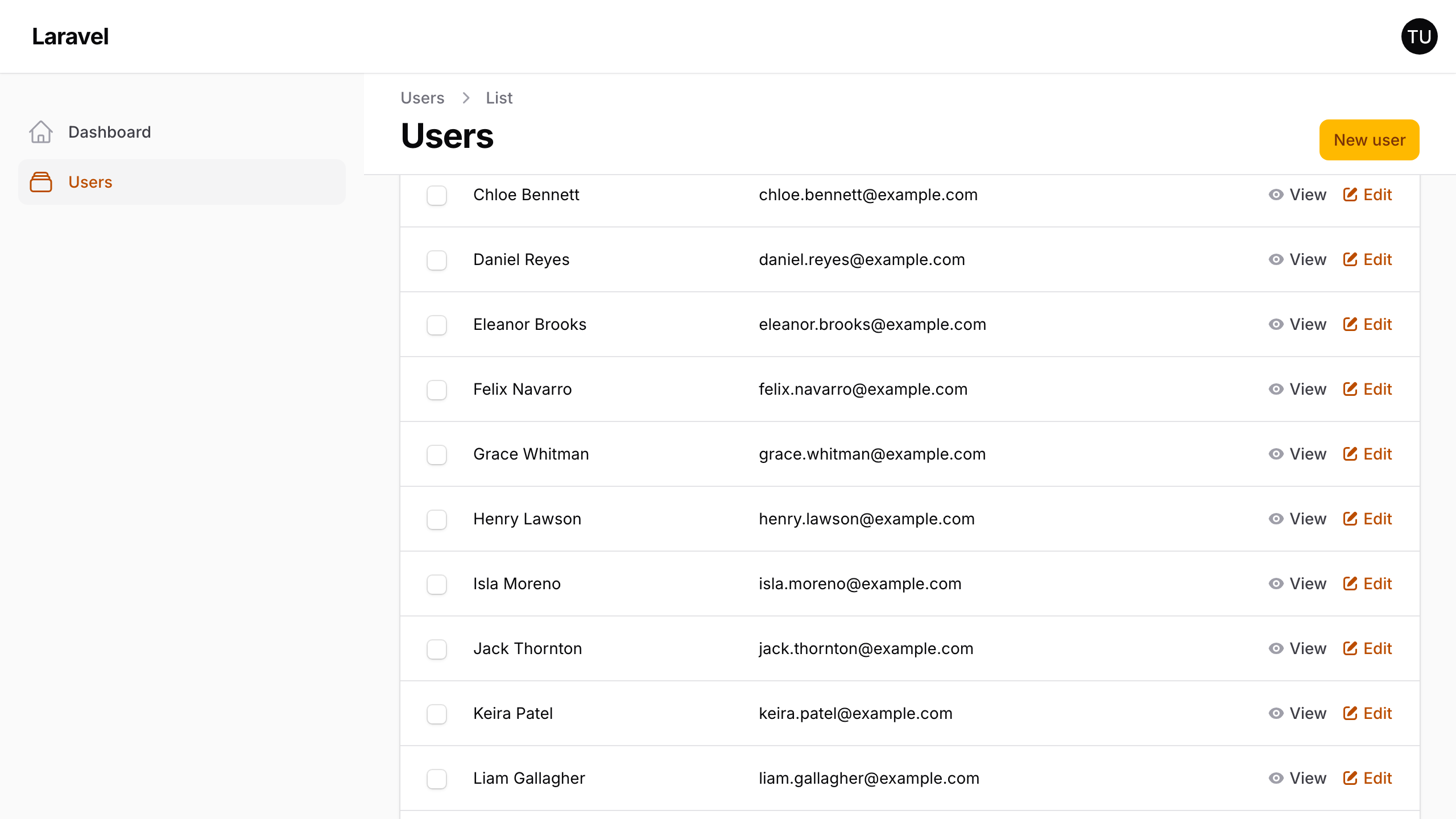
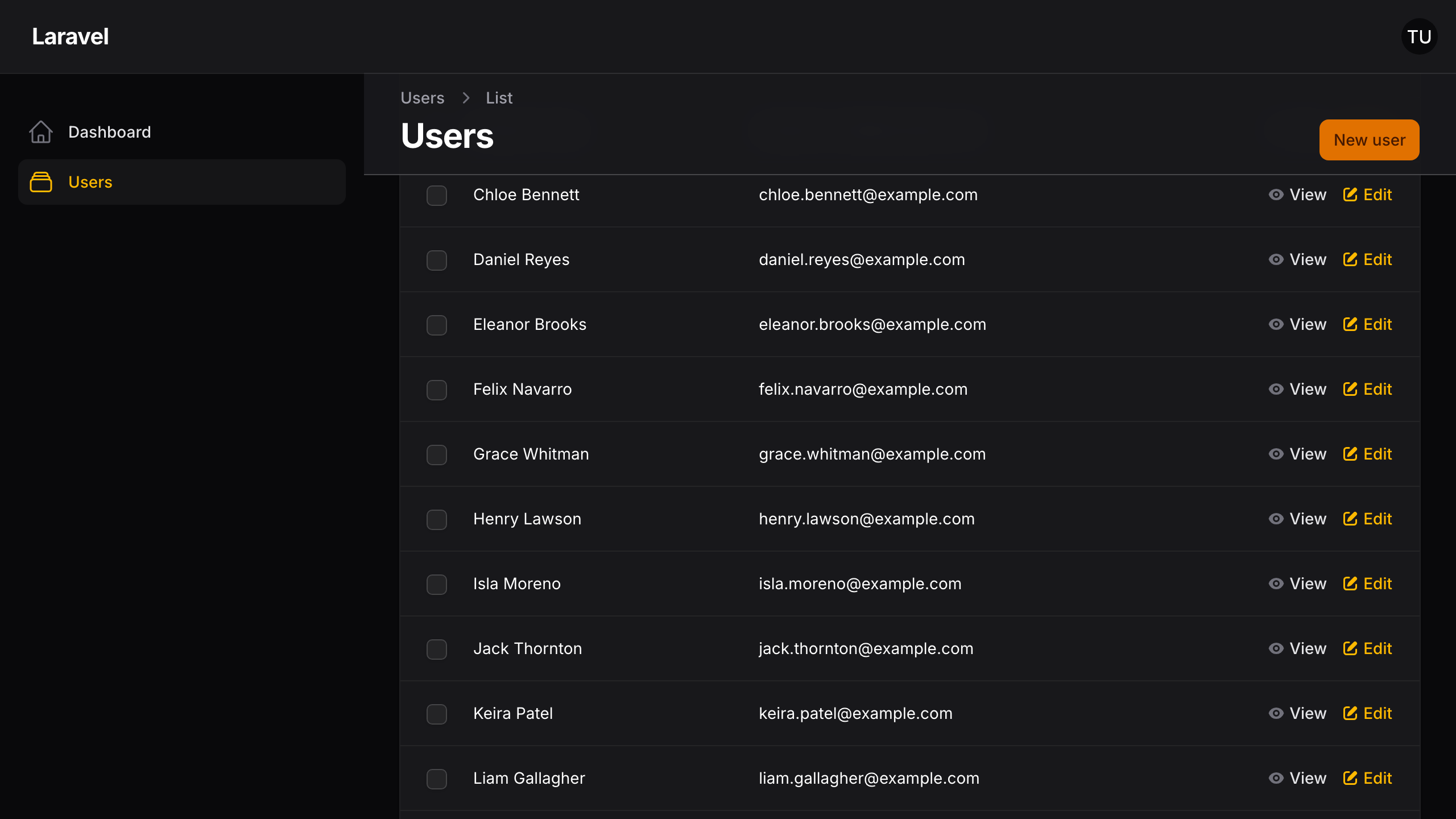
Scrolling back to the top returns it to normal. Nothing is duplicated or re-rendered — it is the same header element, restyled.
Themes
Three looks are available, chosen with the floating() and colored() methods:
| Theme | Appearance |
|---|---|
| Default | A full-width bar with a solid background and a bottom border |
| Floating | A rounded, translucent card inset from the page edges |
| Floating coloured | The floating card, filled with the panel's primary colour |
The default is used when neither method is called.
Where it applies
Every page by default. Two methods narrow that:
stickOnListPages(false)leaves list pages alone.disabledOn([...])switches it off for named pages.
Both are covered in Configuration, along with the closures that let either decision be made at runtime.
Next steps
Start with Installation.