Quick Create
- v5.2.0
- 252
- 289,235
Plugin for Filament Panels that adds a dropdown menu to the header to quickly create new items.
-
filament
-
filament-plugin

Package health
Automated checks of this package
Compatibility
| Version | Filament | PHP | Laravel | Latest | Docs |
|---|---|---|---|---|---|
| 5.x (Current) | ^4.0|^5.0 | ^8.2 | ^11.28|^12.0|^13.0 * | v5.2.0 | 5.x docs |
| 4.x | ^4.0 | ^8.2 | ^11.28|^12.0|^13.0 * | v4.0.3 | — |
| 3.x | ^v3.2.23 | ^8.1 | ^10.45|^11.0|^12.0|^13.0 * | v3.6.3 | — |
| 2.x | ^2.0 | ^8.0 | ^9.0|^10.0 | v2.1.1 | — |
| 1.x | ^2.0 | ^8.0.2 | ^8.6|^9.0|^10.0 * | v1.2.2 | — |
* Taken from the Filament versions this release supports, using the newest release of each.
Quick Create adds a plus button to a Filament Panel, with a dropdown listing the things a user can create. Wherever they are in the panel, a new record is two clicks away — no navigating to the right resource first.
What appears in the menu
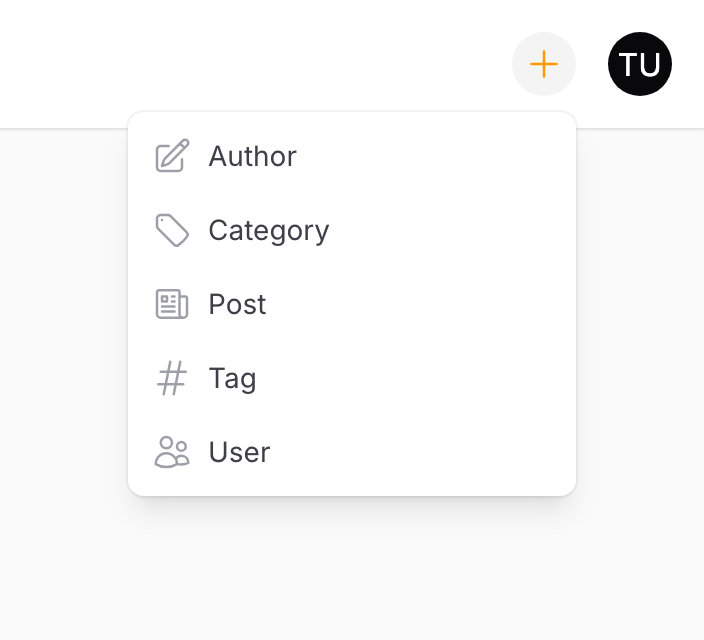
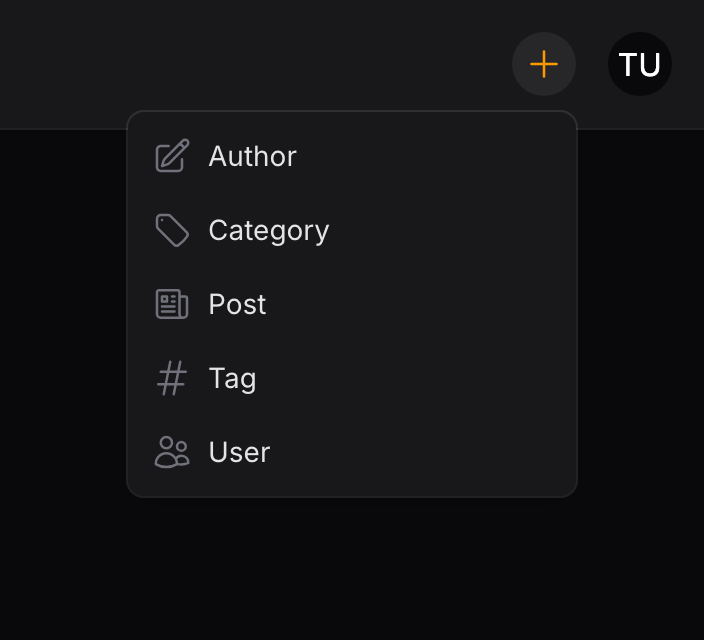
Every resource registered with the current panel, filtered by two rules:
- Authorization. Each resource's
canCreate()is checked, so a user who cannot create a record never sees it offered. This is Filament's own authorization — there is nothing extra to configure. - Your own list. You can narrow the set further with excludes or includes.
Entries are labelled with the resource's model label and carry its navigation icon.
Note
When tenancy is enabled and there is no current tenant, the menu lists nothing. It fills in once a tenant is set.
Modal or page
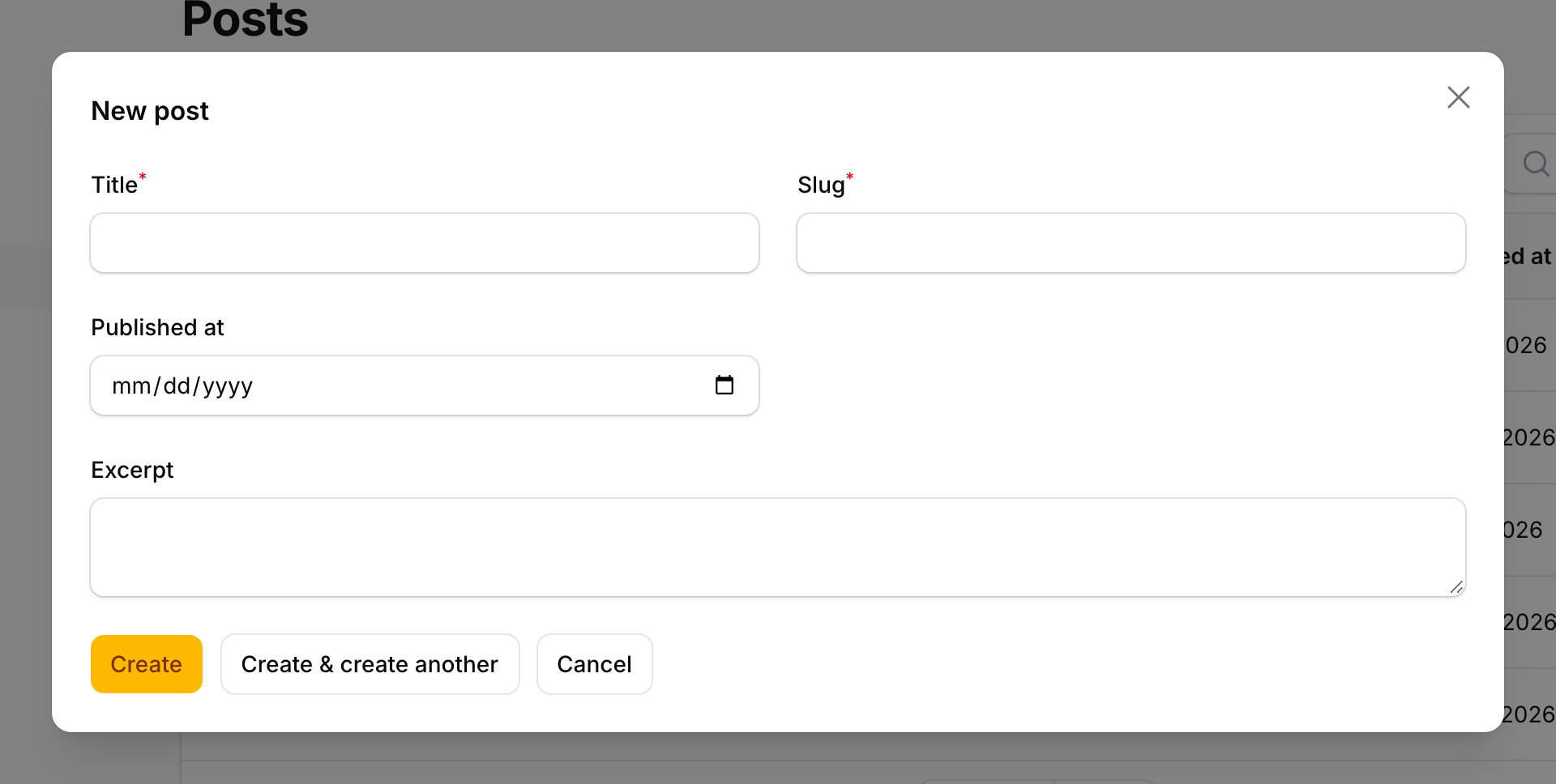
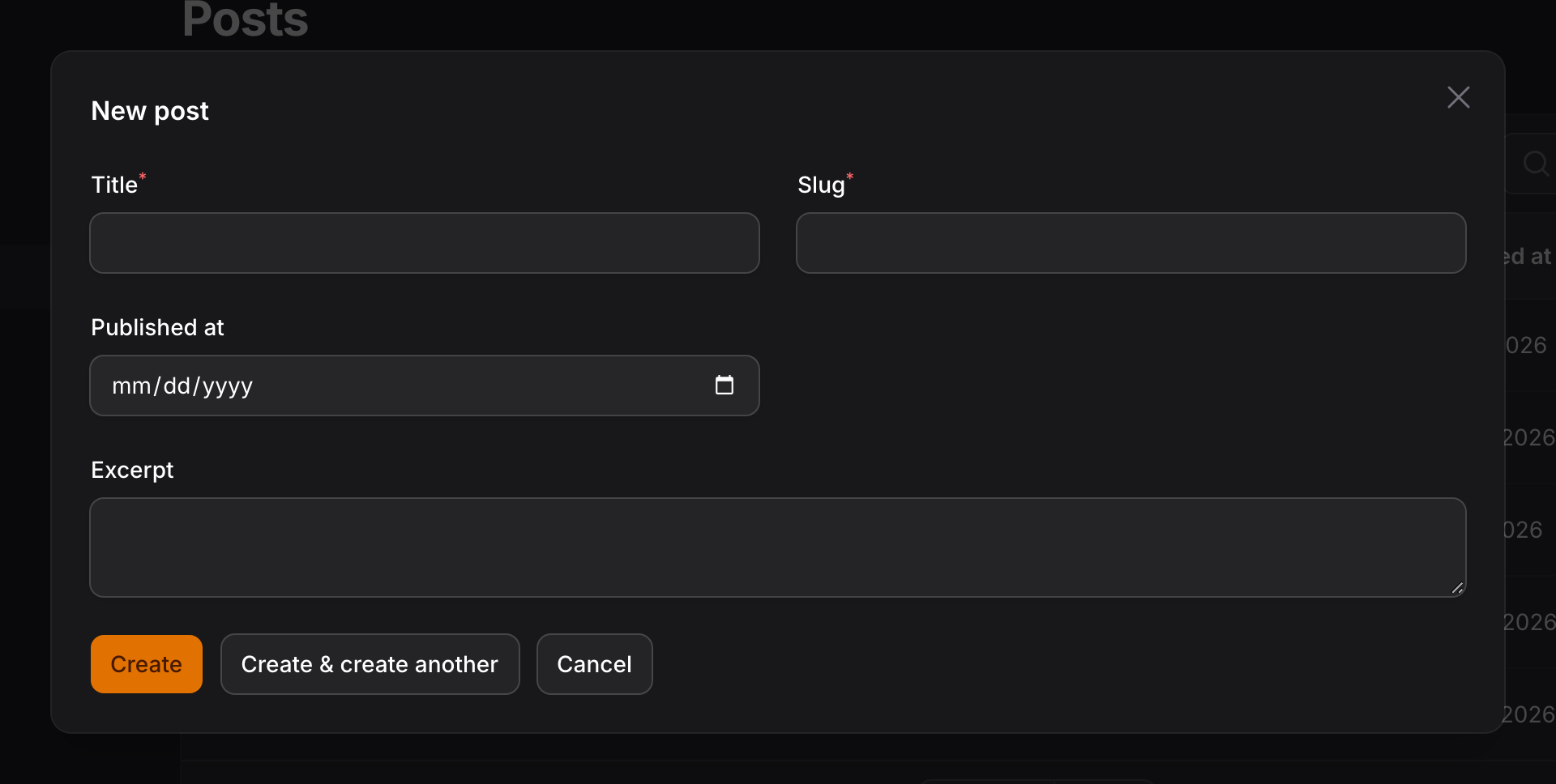
Choosing an entry does one of two things, decided per resource:
- A resource with a
createpage navigates to it, the same as clicking through the navigation would. - A resource without one opens a create form in a modal, built from the resource's own form schema.
That default suits most panels — heavier resources keep their dedicated page, simple ones stay inline. You can force every resource into a modal if you would rather never leave the current page.
What you can configure
Everything is set with chained methods on the plugin:
- Resources — which resources appear, and in what order.
- Appearance — button shape, label, tooltip, and menu icons.
- Modals — slide-overs, widths, headings, and "create another".
- Behavior — keyboard shortcuts, render position, and hiding the menu.
Next steps
Start with Installation.