Overlook
- v4.1.1
- 193
- 258,807
An app overview widget for Filament panels.
-
filament
-
filament-plugin

Package health
Automated checks of this package
Compatibility
| Version | Filament | PHP | Laravel | Latest | Docs |
|---|---|---|---|---|---|
| 4.x (Current) | ^4.0|^5.0 | ^8.2 | ^11.28|^12.0|^13.0 * | v4.1.1 | 4.x docs |
| 3.x | ^4.0 | ^8.2 | ^11.28|^12.0|^13.0 * | v3.0.3 | — |
| 2.x | ^3.0 | ^8.1 | ^10.45|^11.0|^12.0|^13.0 * | v2.2.3 | — |
| 1.x | ^2.0 | ^8.1 | ^8.6|^9.0|^10.0 * | v1.3.1 | — |
* Taken from the Filament versions this release supports, using the newest release of each.
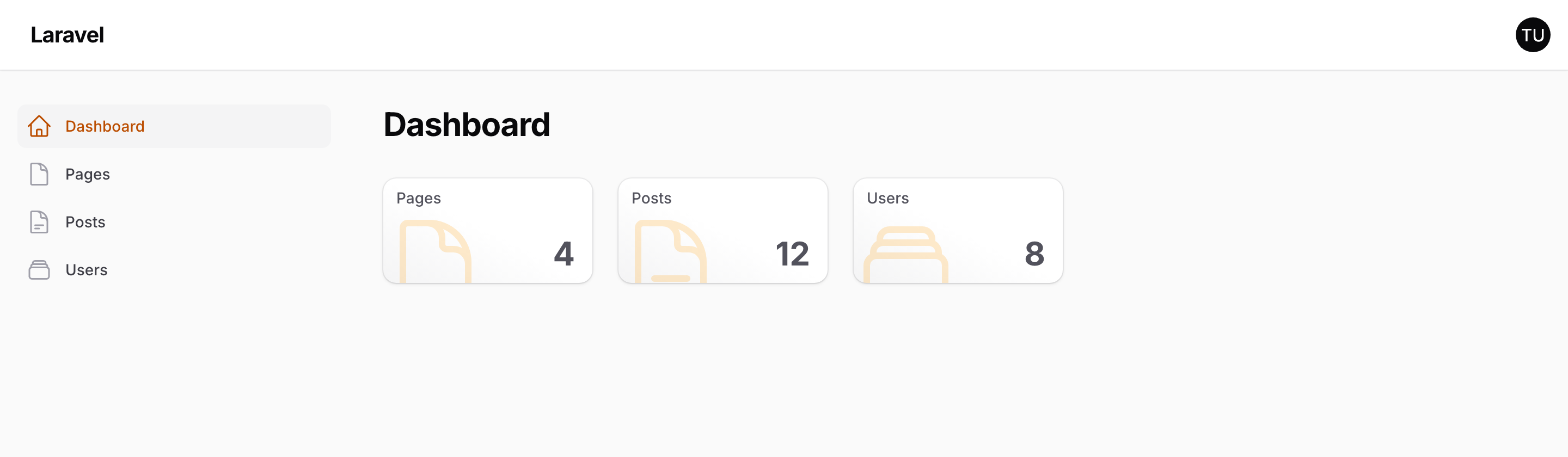
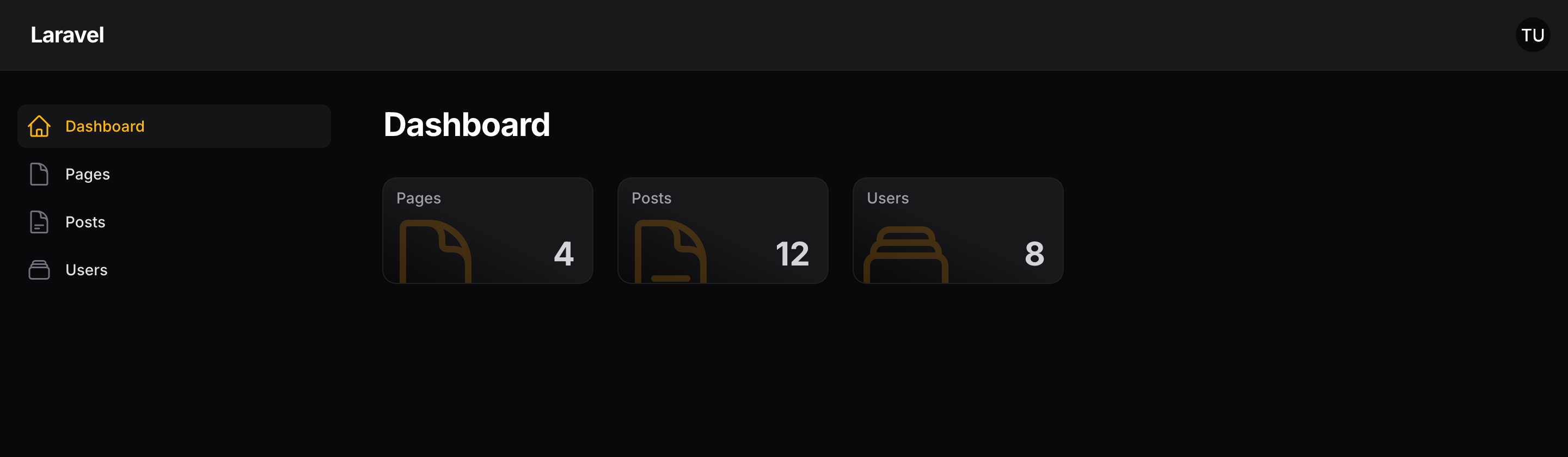
Overlook is a Filament widget that gives a panel's dashboard an at-a-glance summary: one card per resource, each showing how many records exist and linking to that resource's list page.
It is the view you want at the top of a dashboard — how many orders, how many users, how many posts — without building a stat widget for each one by hand.
What appears
By default, every resource registered with the current panel gets a card. Two things narrow that:
- Authorization. Each resource's
canViewAny()is checked, so a user only sees counts for things they are allowed to look at. - Your own list. You can restrict the set with includes or excludes.
Each card shows the resource's plural model label, its navigation icon, and the record count, and links to the resource's index page.
How counts are produced
Overlook calls each resource's own getEloquentQuery() and counts the result. Because that is the same query the resource's table is built from, any global scopes or query customisation you already have are respected — the count matches what the user would see on the list page.
Counts are read live each time the widget renders, one query per resource. On a panel with a great many resources, or tables large enough that counting is slow, that is worth knowing about.
Large numbers are abbreviated — 1,200 records show as 1K — with the exact figure available on hover. Both behaviours can be turned off.
What you can change
- Configuration — layout, ordering, which resources appear, count formatting, and icons.
- Customizing resources — override the query or title for an individual resource.
Next steps
Start with Installation.