Curator
- v5.6.1
- 441
- 488,244
A media picker plugin for Filament Panels.
-
filament
-
filament-plugin

Package health
Automated checks of this package
98
/ 100
Security
96
Maintenance
100
Ecosystem
100
Powered by Plumb
Last scanned 10 hours ago
Compatibility
| Version | Filament | PHP | Laravel | Latest | Docs |
|---|---|---|---|---|---|
| 5.x (Current) | ^4.0|^5.0 | ^8.2 | ^11.28|^12.0|^13.0 * | v5.6.1 | 5.x docs |
| 4.x | ^4.0 | ^8.2 | ^11.28|^12.0|^13.0 * | v4.2.6 | — |
| 3.x | — | ^8.1 | — | v3.7.14 | — |
| 2.x | ^2.0 | ^8.0 | ^9.0|^10.0 | v2.10.3 | — |
| 1.x | ^2.0 | ^8.0.2 | ^8.6|^9.0|^10.0 * | v1.1.8 | — |
| 0.x | ^2.0 | ^8.0.2 | ^8.6|^9.0|^10.0 * | v0.7.7 | — |
* Taken from the Filament versions this release supports, using the newest release of each.
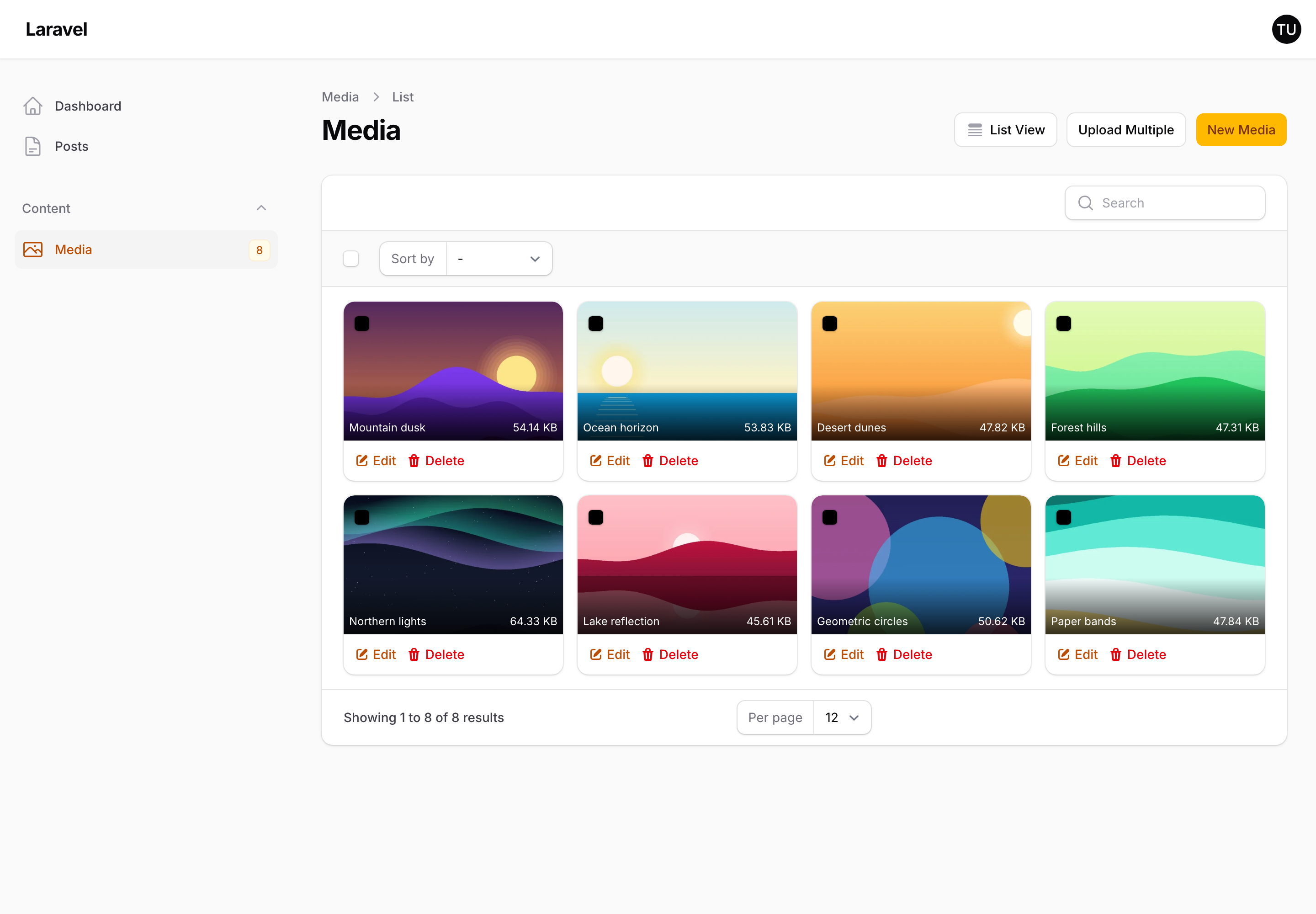
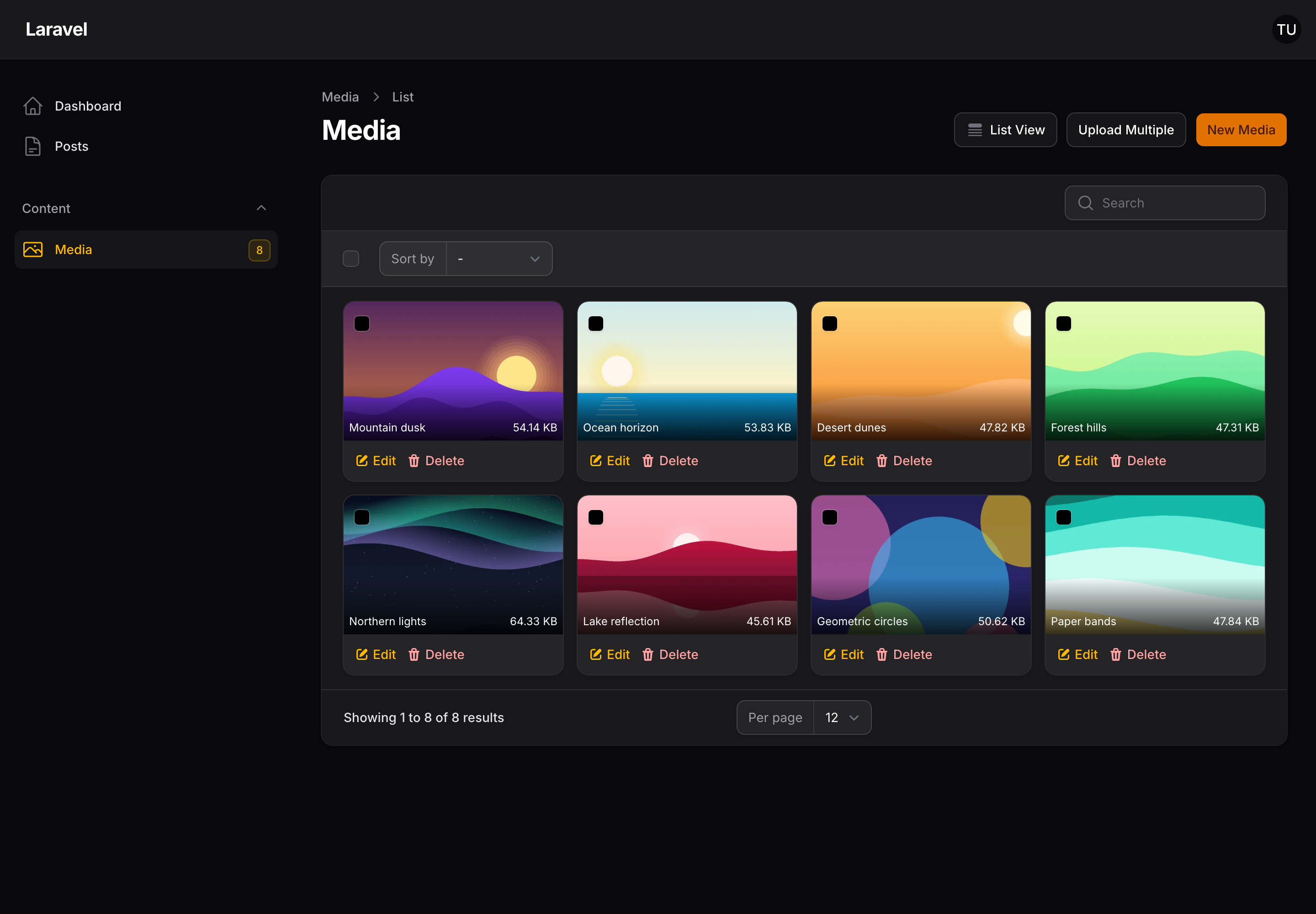
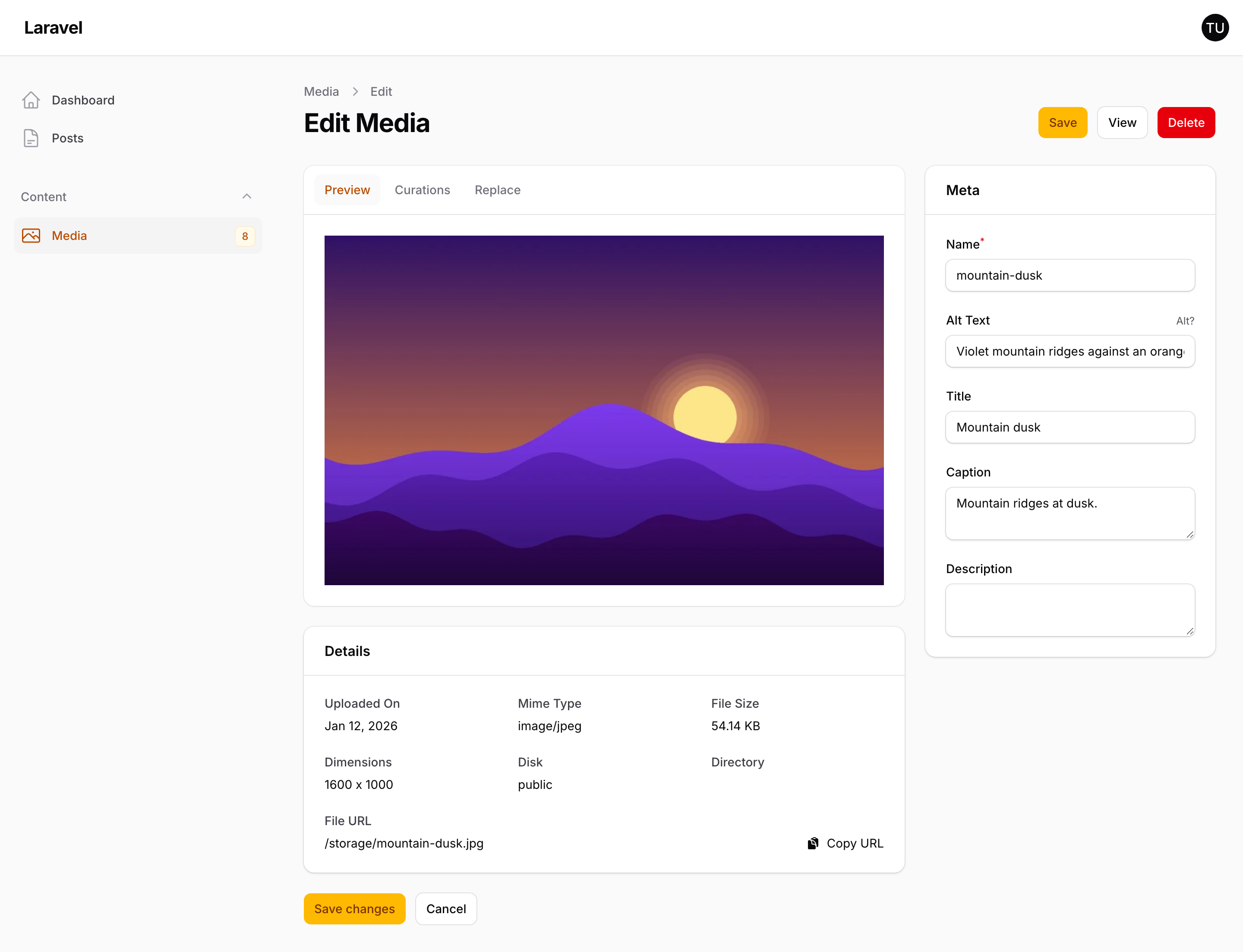
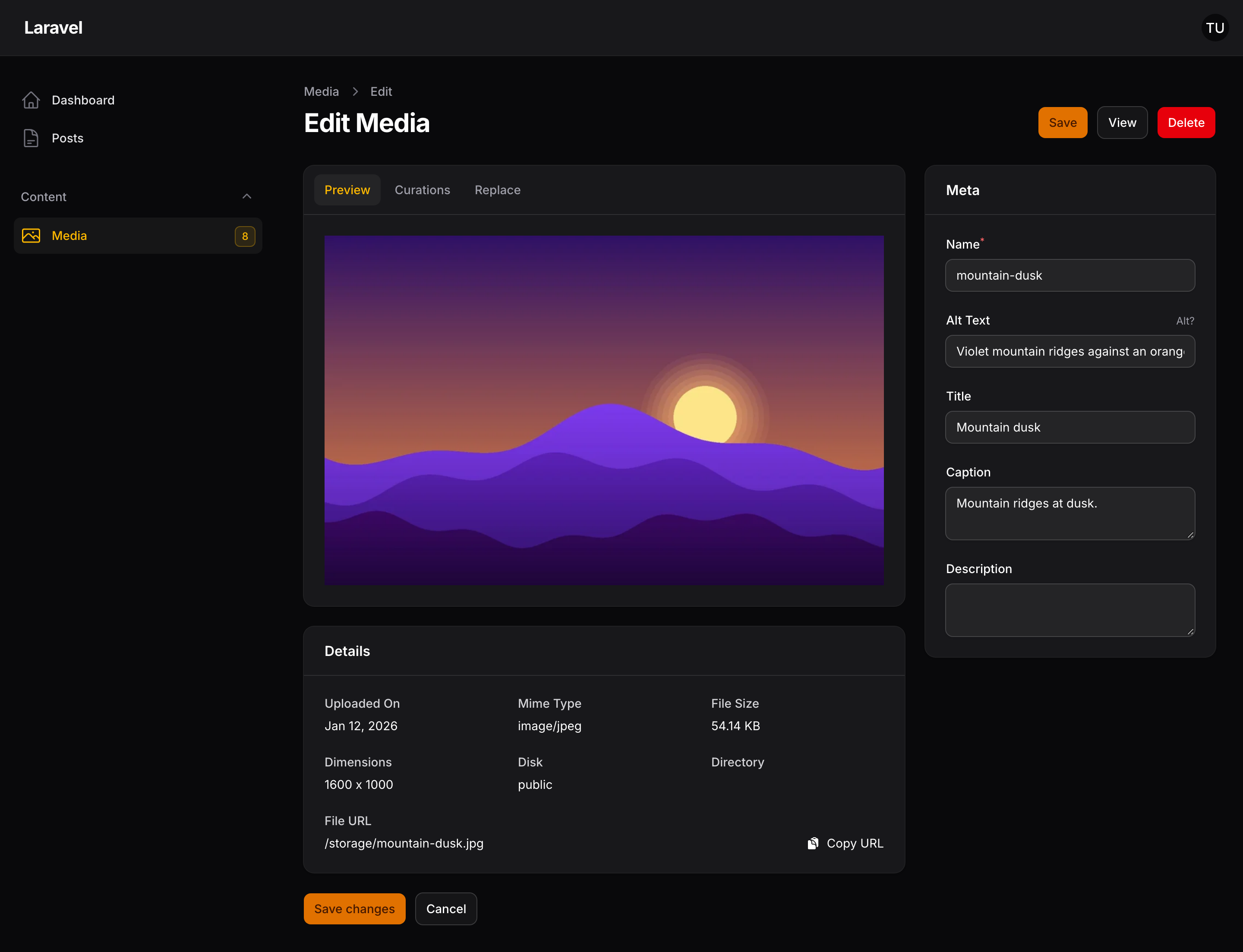
Curator is a media picker and manager for Filament. It stores uploaded files in a curator table alongside their metadata, gives you a modal for picking or uploading them from any form, and serves them through Glide so you can transform images at render time.
Warning
Curator does not work with Spatie Media Library. The two manage media in incompatible ways.
What it gives you
- A picker field —
CuratorPickeropens a modal to select existing media or upload new files, with single and multiple relationship support. - A media manager — a Filament resource for browsing, editing and organising everything that has been uploaded.
- Image transformation — the
<x-curator-glider>Blade component builds signed Glide URLs, so sizing, cropping and format conversion happen on request. - Curations — per-image crops saved against a named preset, for when a single automatic crop is not good enough.
Where to go next
- Installation — install the package and run the installer.
- Configuration — the config file and registering the plugin on a panel.
- Accepted file types — what Curator allows by default, and why.
- Picker field — putting the picker in a form.
- Glider component — rendering media on the front end.
- Glide token — the one thing you must set in every environment.